
With the Dependencies feature, you can quickly create and visualize dependencies between initiatives, epics, and stories on your roadmaps.
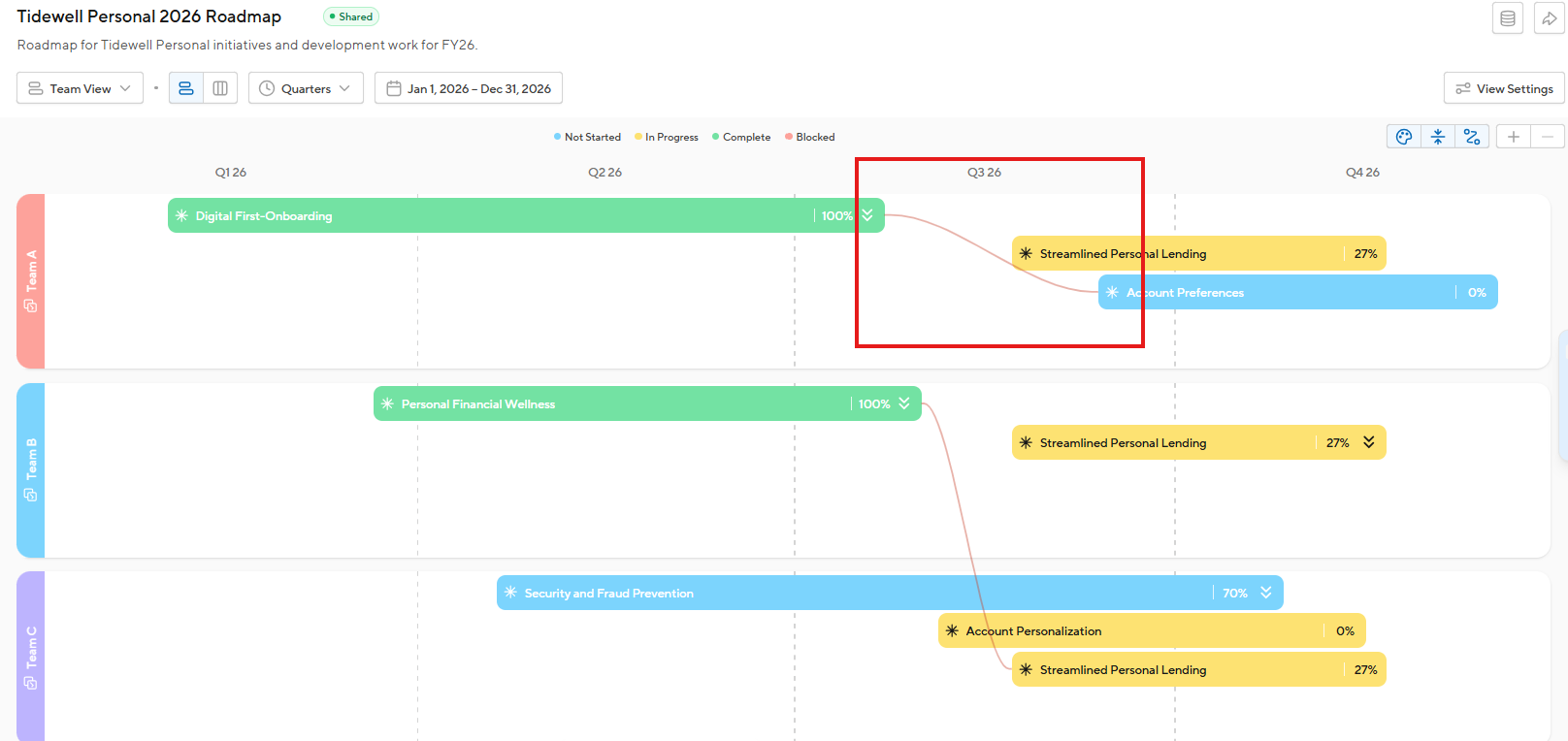
Adding a Dependency
Dependencies can be added between your initiatives, epics, and stories. You can establish dependencies from within a roadmap timeline view, or within the backlog. Dependencies can be established between items in the same product and across different products.
- Click on an initiative, epic, or story on your roadmap or in your backlog.
-
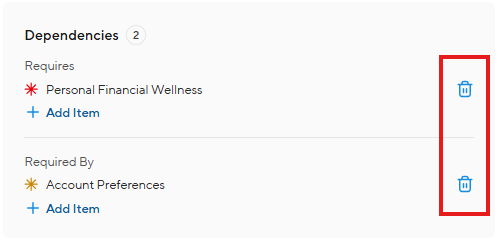
At the bottom of the drawer is the Dependencies section. Use the Requires and Required By dropdown fields to select the corresponding item(s). You can create dependencies between items within the same product and items within other products that you have edit access to.
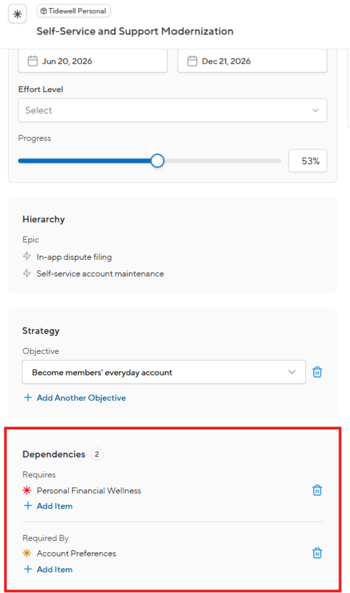
- You can select more than one item in the Requires or Required By fields, if needed.
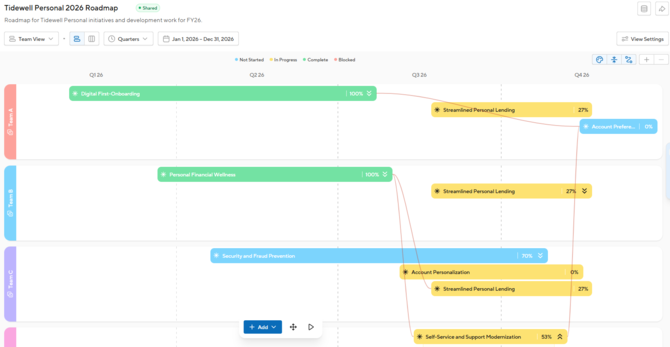
- Once added, a red line will visualize the dependency between the items on your roadmap.
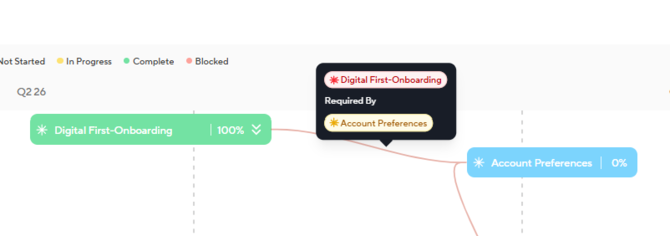
- To display the details of a dependency, click on the red line to see which items are required or are required by.
- To delete a dependency, click on the item and click the Delete button next to the dependency.
View all Dependencies
To display all of the dependencies on your roadmap, click on the Dependencies icon in the top-right corner of your roadmap. You can toggle the dependencies display on/off as needed.
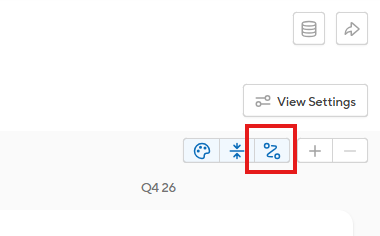
Note: Dependencies are only visible on the timeline view of your roadmaps.